15 presets
Adaptive
29 €39 €Launch offer
Fifteen tools that find their own subject, on every image.
These are masks, nothing else. A normal preset applies the same numbers to the whole frame. An adaptive preset recomputes its own selection on every photograph: Lightroom finds the subject, the sky, the background or the skin, and the correction lands on that thing rather than at a fixed spot in the picture. What they change is not the colour of your image, it is the weight of what is inside it. A background that stops competing, a subject that comes forward, a sky that stops pulling the eye. It is the difference between a photograph you took and a photograph you directed.
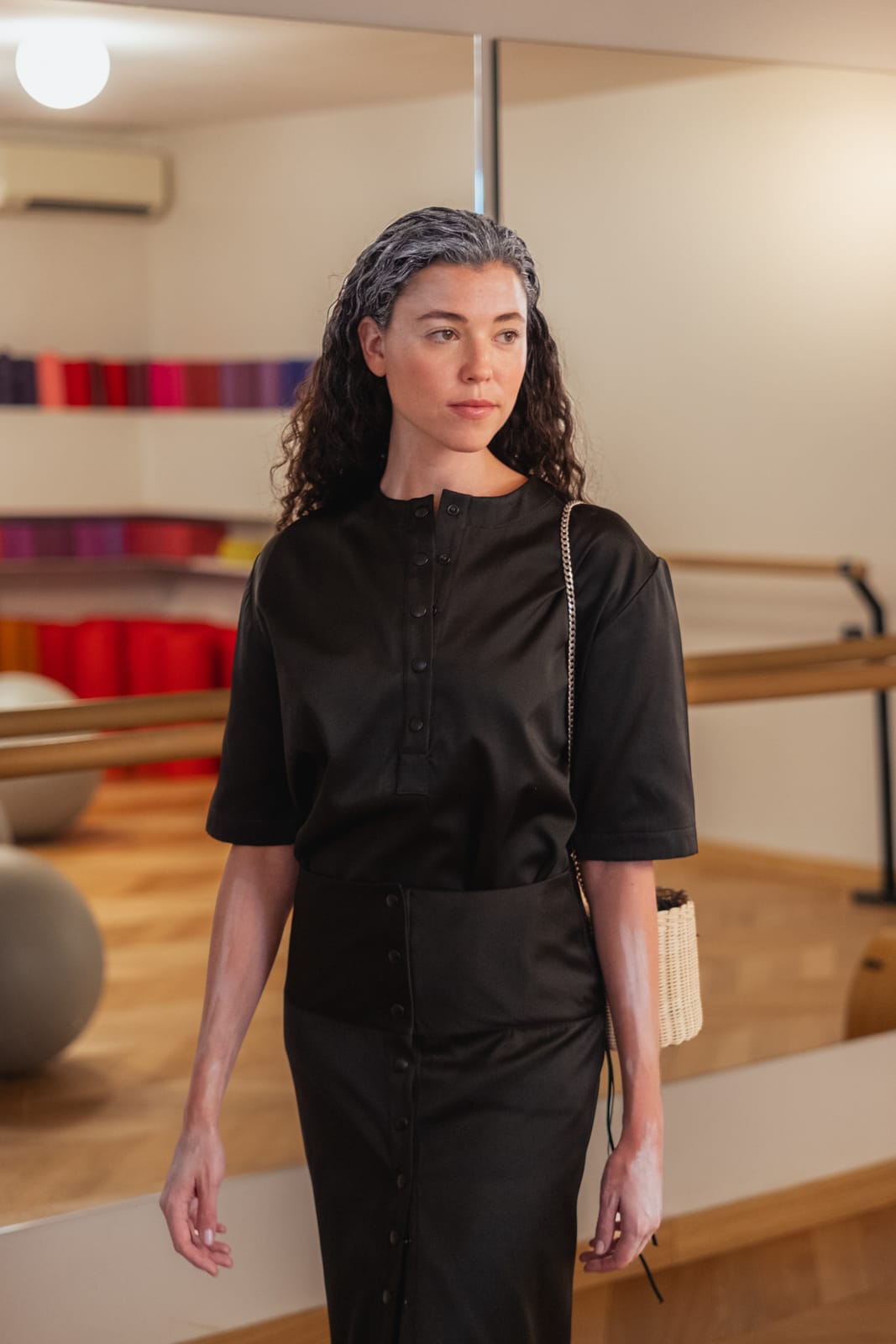
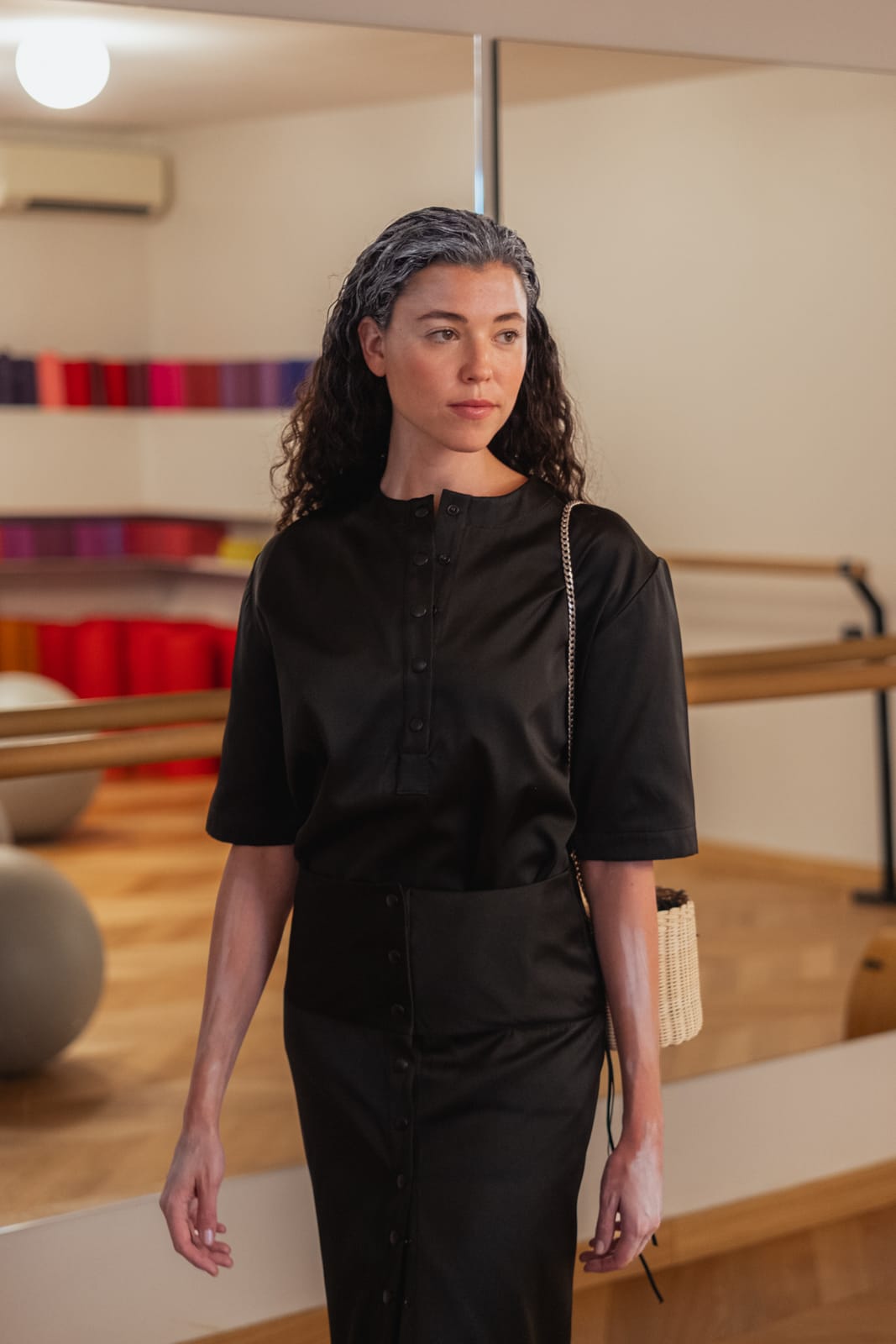
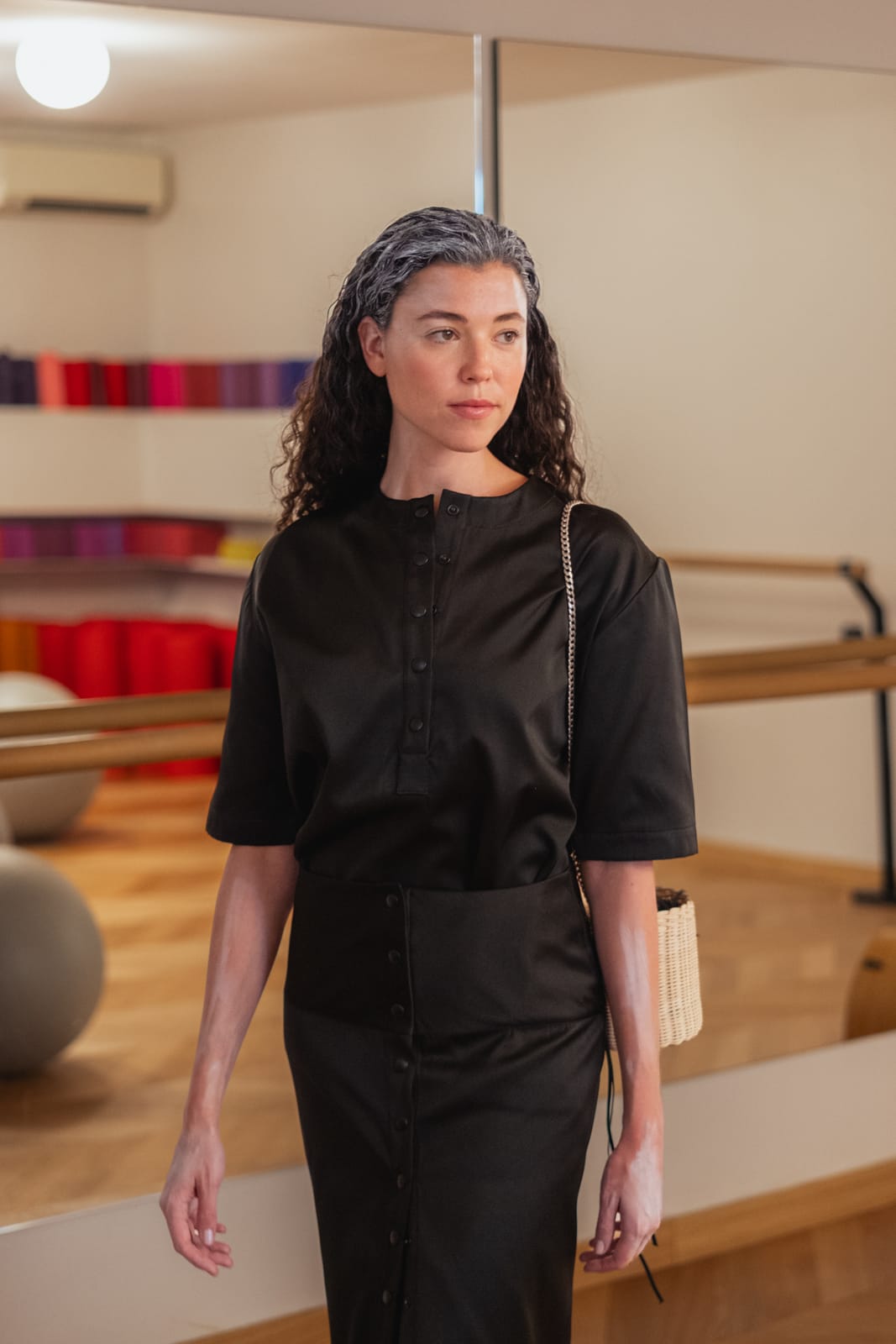
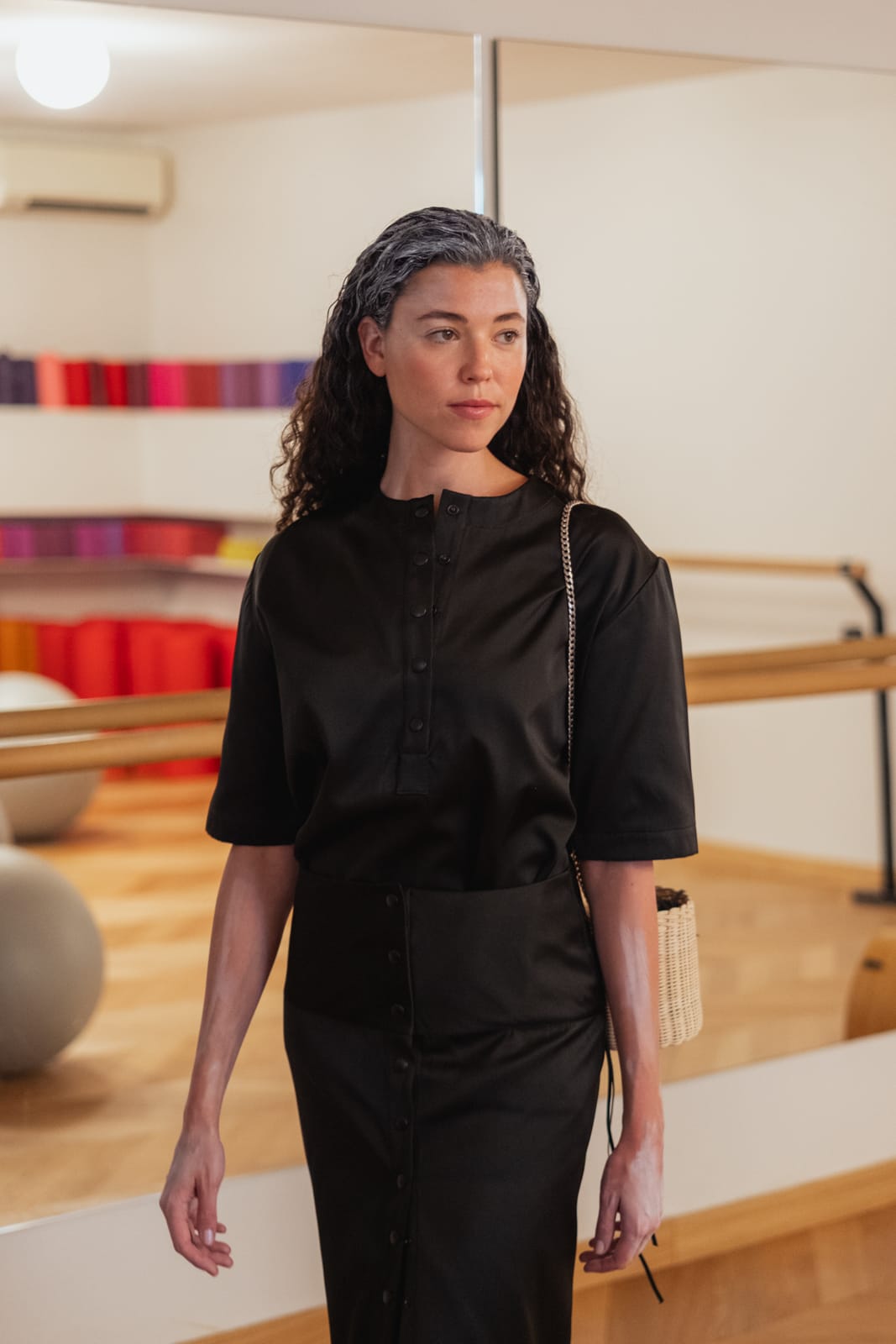
The same file, before and after


BeforeAfter


BeforeAfter


BeforeAfter


The questions I get asked
- What do they actually do to a picture?
- They redirect the eye. Four of them work on the background: deepen it, desaturate it, soften it, so it stops fighting the subject. Two lift the subject itself. Four handle the sky, two by temperature and two by tone. Three take a colour cast out of skin, and one gives hair its depth back. Put end to end, that is a whole retouching pass that used to be done by hand, mask by mask, on every single frame.
- What is SM_Sun and why is it different?
- It is the only one in the pack that does not find its own place. It drops a warm circular glow that gives the light a direction, so a highlight on the side of someone's head suddenly has a reason to exist. It arrives at the top right, and you move it to wherever your light actually comes from. If your light is behind the subject, put it on the backlight and it simply strengthens what is already there. If it makes no sense on your frame, leave it off.
- Which version of Lightroom do I need?
- Read this one before buying. Adaptive presets need a version with AI masking. These were built on Camera Raw 15.5, and that is the floor. In an older version they will install without any error message and do nothing at all, because the mask is never computed. If you are unsure, check your version first.
- Are these a look?
- No, and that is the point. They are corrections. They deepen a background, recover a blown sky, take a green cast out of skin. They leave the overall colour of your image alone, so they sit under any grade, including one that is not mine.
- What if there are two people in the frame?
- The three skin tools and the hair one target the detected person. With several people, or with none, the behaviour changes. They were built for a single subject and that is where they are reliable.
- Is it slow?
- The mask is computed on your machine, image by image. On a modest computer, running fourteen of these across a batch takes real time. On a recent machine you will not notice.
- Will they work on JPEG?
- Yes, the detection works the same. But a JPEG has far less to recover in the shadows and the highlights, so the sky tools in particular will give you much less.
- Can I dose the effect?
- Yes, and you should. Every preset arrives at 100%, but Lightroom lets you set the amount from 0 to 200%. In the example on this page, Subject Lift is at 150% because the frame needed it. Treat 100% as a starting point, not as a rule.
- How do I install them?
- Unzip the folder first, Lightroom cannot read a zip. In Lightroom Classic or Camera Raw, open the Presets panel, click the three dots and choose Import Profiles and Presets, then pick the XMP files. In Lightroom desktop it is the plus sign at the top of the Presets panel. On mobile, install on the desktop first and they sync on their own.
- Where do they show up?
- In a folder of their own, under User Presets. The Signature pack lands in SM_Signature, the Adaptive pack in SM_Adaptive. They never mix with your own presets, and removing them is as simple as deleting that folder.
- What file type do I get?
- XMP presets, plus a PDF guide covering installation in Lightroom Classic, Lightroom desktop, Lightroom mobile and Camera Raw.
- Do I get the updates?
- Yes, by email, for free. My editing changes, and when it does you get the new version. You keep the old one too, in case you preferred it.
- Can I use these commercially?
- Yes, on personal and commercial work, with no limit. What you may not do is resell, share or redistribute the files, modified or not.
- Can I modify them?
- Please do. Take them apart, see how they are built, change what does not suit you. That is the fastest way to find your own way of editing.
- Refunds?
- Digital files are delivered instantly, so no refunds as a rule. But if something does not work, write to me and we will sort it out.
Signature + Adaptive
The whole set. The tools and the grades, the way I actually work.
39 €49 €Launch offer